
Collectors
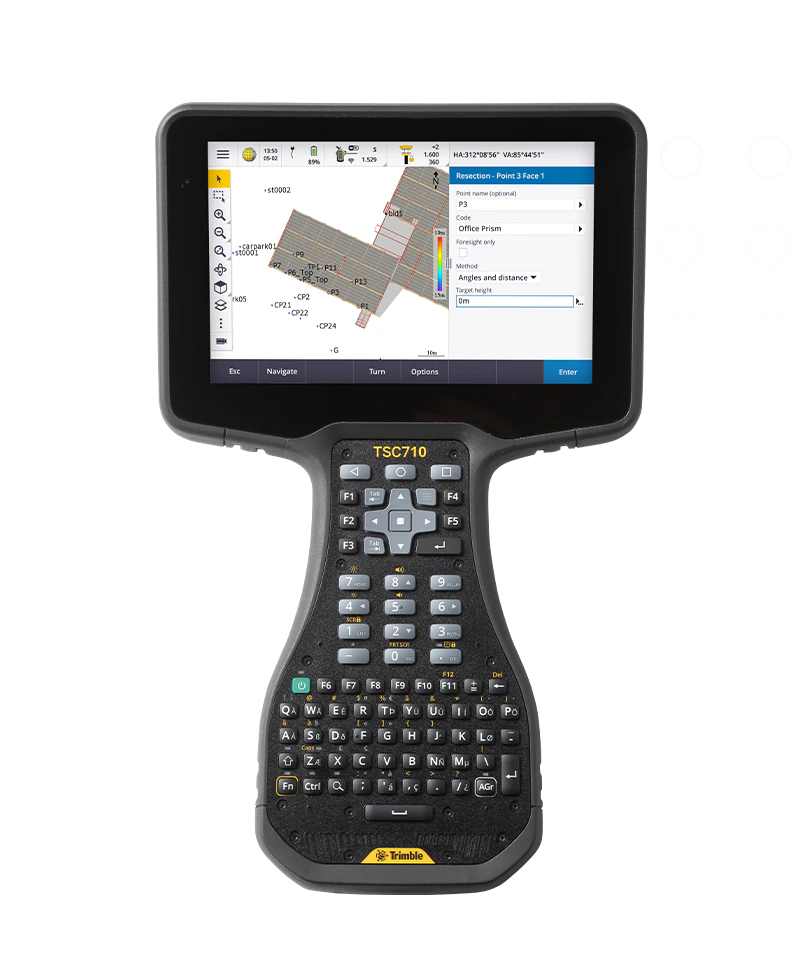
TSC710 / Ranger 710
OS v001.097.003 is the latest TSC710/Ranger 710 Operating System. Updates are downloaded automatically to the device via the internet. A notification will be displayed when a new update is available to install. There is no OS download file for Android devices.
Security Update (June 2026) View Security BulletinRelease notes
- Security update (June 1, 2026)
- No Security Updates in July and August.
- Android Security Bulletin: June 2026
- ⚠️ Important: Back up your data before updating your device.
Notes
- Android Security Updates provided until Q4 2030
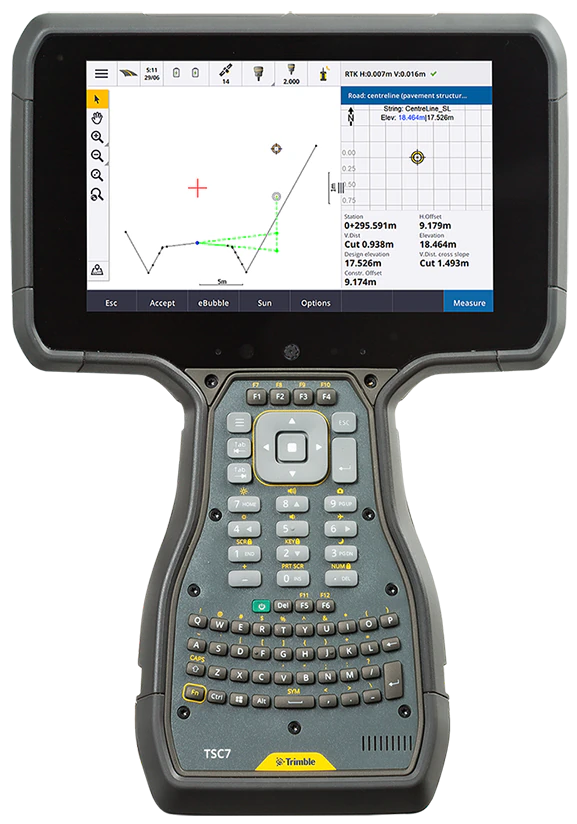
TSC7 / Ranger 7
Release notes
- Enhanced Audio Support
- Updated BIOS Product Identification Information
- TSC7 v2 initial release
Release notes
- Based on Windows 10 22H2 or Windows 10 LTSC 2021
- Security updates to September 2025
Release notes
- User should be familiar with Windows driver installation and management before attempting.
- Individual driver installation is not usually necessary.
Notes
- Driver Package for Custom Operating Systems
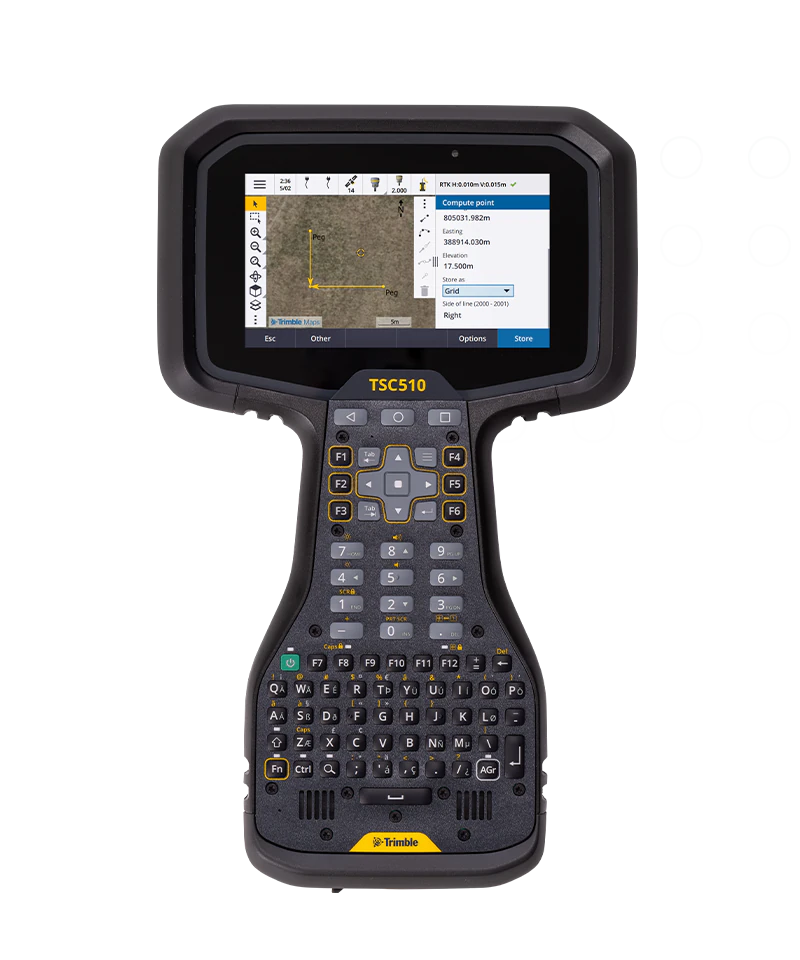
TSC510
OS v001.097.003 is the latest TSC510 Operating System. Updates are downloaded automatically to the device via the internet. A notification will be displayed when a new update is available to install. There is no OS download file for Android devices.
Security Update (June 2026) View Security BulletinRelease notes
- Security update (June 1, 2026)
- No Security Updates in July and August.
- Android Security Bulletin: June 2026
- ⚠️ Important: Back up your data before updating your device.
Notes
- Android Security Updates provided until Q4 2029
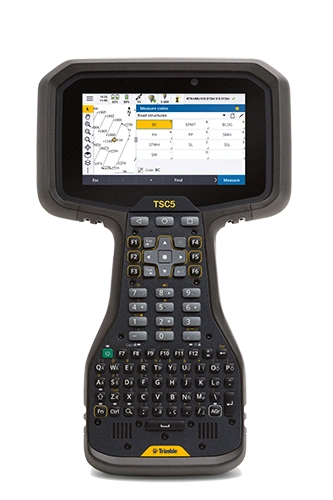
TSC5 / Ranger 5
OS v03.10.04 is the latest TSC5/Ranger 5 Operating System. Updates are downloaded automatically to the device via the internet. A notification will be displayed when a new update is available to install. There is no OS download file for Android devices.
Security Update (August 2026) Patch Summary PDFRelease notes
- Security enhancements
- Security Patch Level: 1 August 2026
- Android 13 support has ended; Security patches are back-ported from Android 14.
- Patch Summary: August 2026 Security Update
Notes
- Android Security Updates provided until Q4 2026
Trimble Tablets
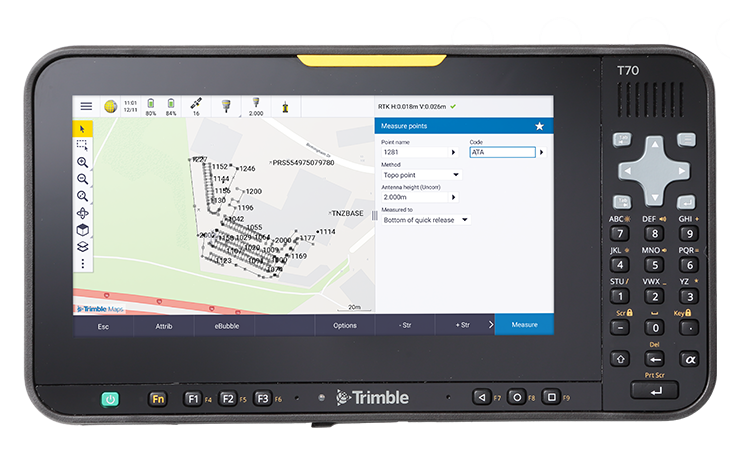 Android 15
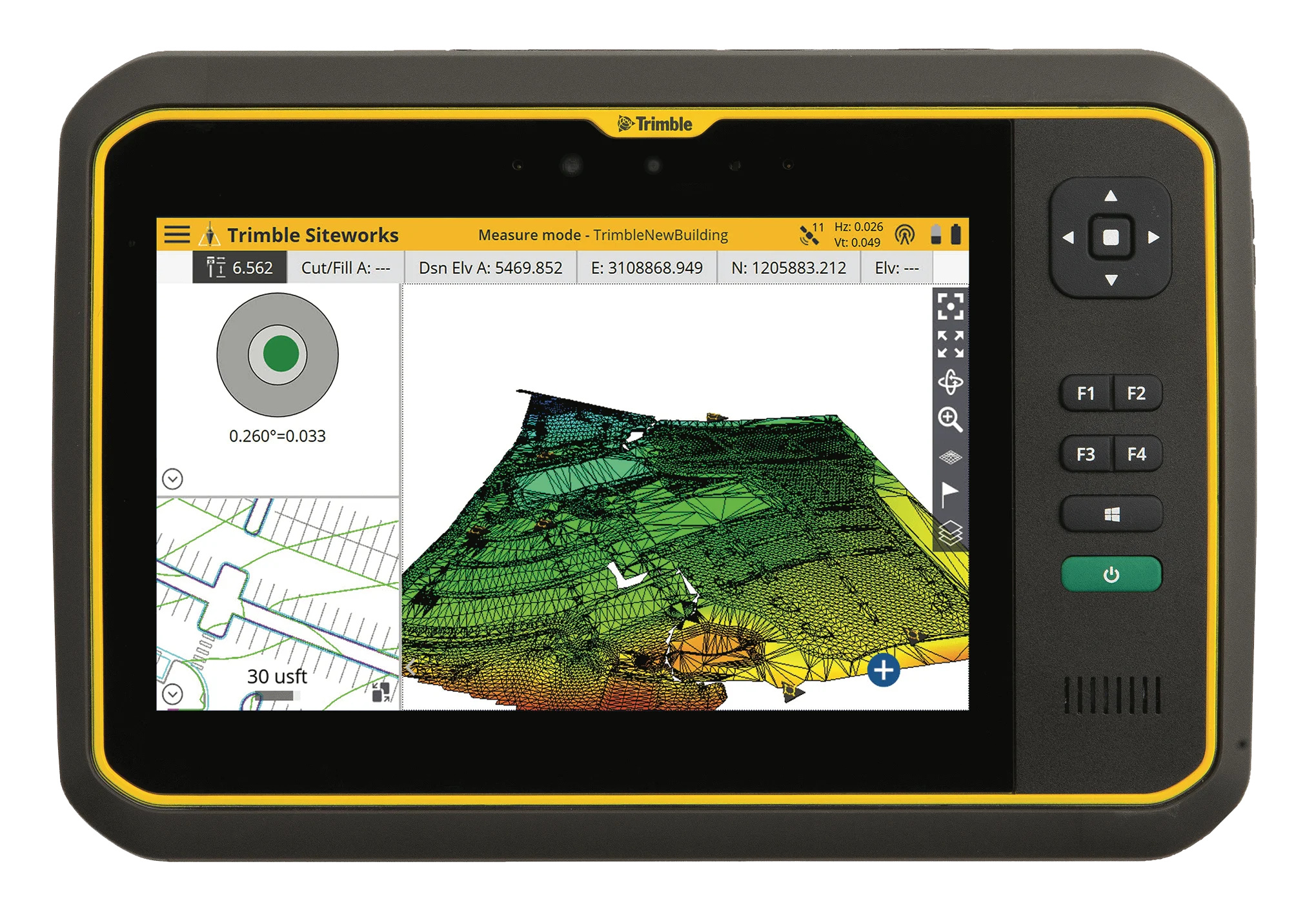
Trimble T70
OS v02.04.05 is the latest T70 Operating System. Updates are downloaded automatically to the device via the internet. A notification will be displayed when a new update is available to install. There is no OS download file for Android devices.
Security Update (October 2026) View Security BulletinRelease notes
- Security Patch Level: 1 October 2026
- Android Security Bulletin: October 2026
- ⚠️ Important: Back up your data before updating your device.
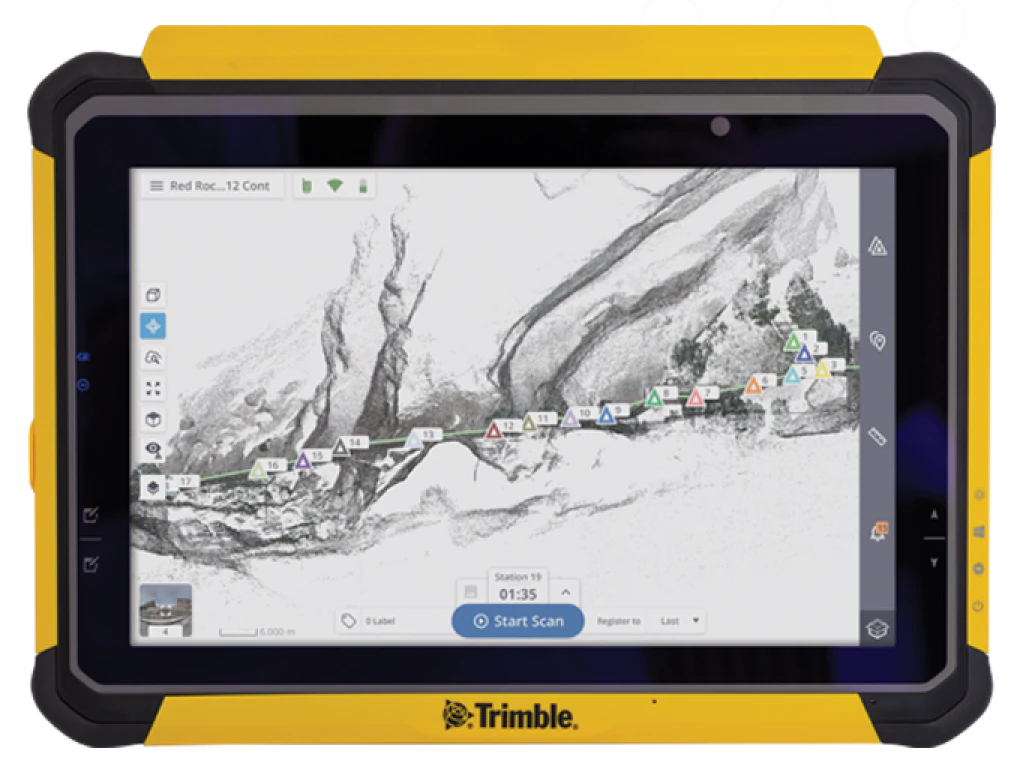 Windows 11 IoT
T110
Not currently required.
T110 24H2 Production OS Image (13 GB)
Release notes
- Based on Windows 11 IoT Enterprise 24H2
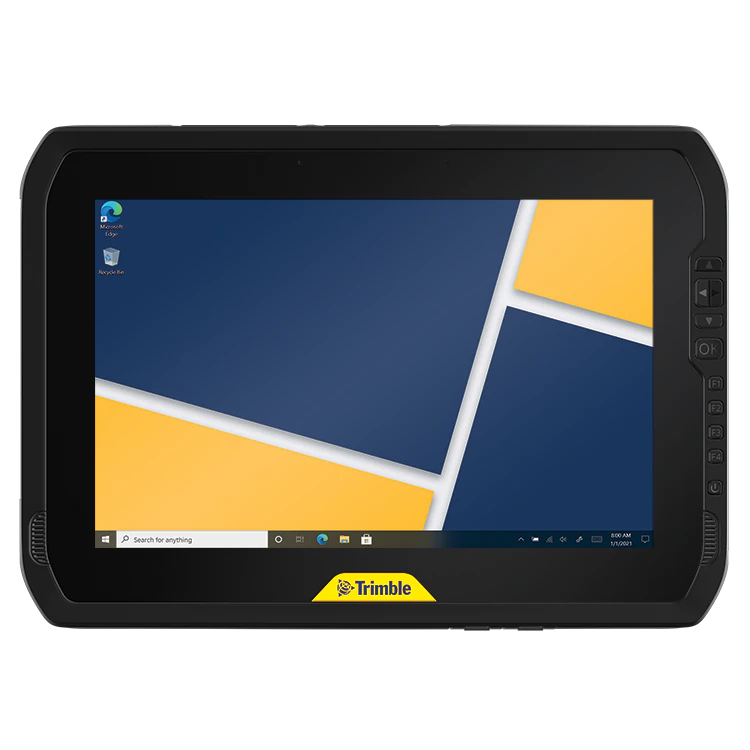 Windows 11
T100 / ST100
T100/ST100 BIOS A11 Installer
Release notes
- Add automatic Real-time Clock reset function when power on sequence fails.
Notes
- Installation Instructions are contained within the distribution .zip file.
T100/ST100 24H2 Production OS Image (10GB)
Release notes
- Based on Windows 11 Pro 24H2
T100/ST100 Driver Package (August 2024)
Release notes
- Corresponds to v1.1.2 Production OS image.
Notes
- Driver Package for Custom Operating Systems
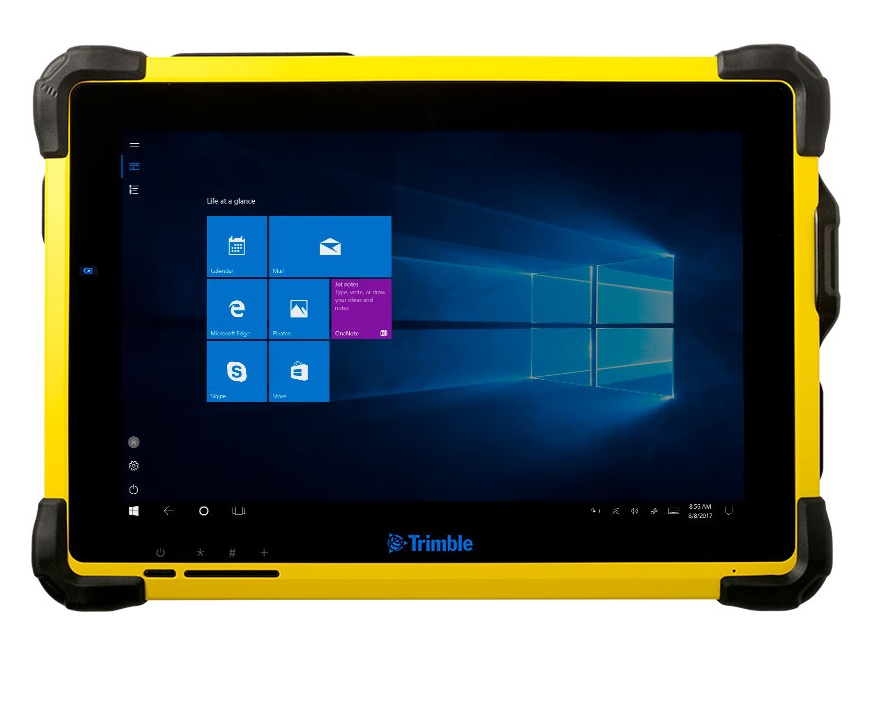 Windows 11 IoT
 Windows 10
T7 / Yuma 7
T7/Yuma 7 BIOS X30/HG15 Installer
Release notes
- Enhanced Audio Support
- Updated BIOS Product Identification Information
- Yuma 7/T7 v2 initial release
T7/Yuma 7 22H2/LTSC 2021 Production OS Image (11 GB); June 2025 Update
Release notes
- Based on Windows 10 22H2 or Windows 10 LTSC 2021
- Security updates to May 2025
T7/Yuma 7 Driver Package
Release notes
- User should be familiar with Windows driver installation and management before attempting.
- Individual driver installation is not usually necessary.
Notes
- Driver Package for Custom Operating Systems
Software

Trimble Update Tool
Trimble Update Installer Bundle v10.0.137.178
Installer Bundle - this installer contains all the components needed to install the Trimble Update Tool on Windows devices that do not have it pre-installed in the OS. Trimble Update is included with new units starting from September 2023.
Handhelds
 Android 14
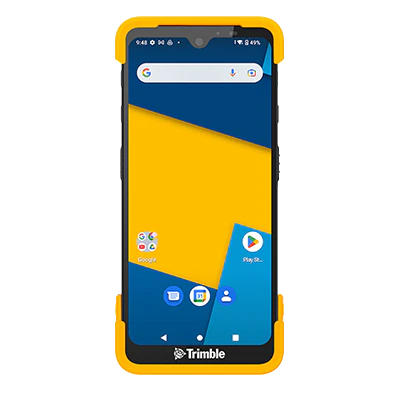
Trimble TDC6
OS v14.06.01 is the latest TDC6 Operating System. Updates are downloaded automatically to the device via the internet. A notification will be displayed when a new update is available to install. There is no OS download file for Android devices.
Release notes
- Security updates
- SPL: August 5th, 2026
- Android Security Bulletin: August 2026
Notes
- Android Security Updates provided until Q4 2028
 Android 14
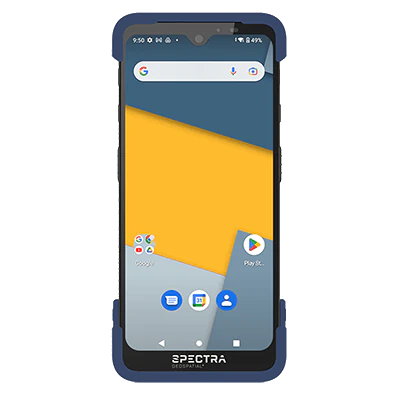
Spectra MobileMapper 6
OS v14.06.01 is the latest MobileMapper 6 Operating System. Updates are downloaded automatically to the device via the internet. A notification will be displayed when a new update is available to install. There is no OS download file for Android devices.
Release notes
- Security updates
- SPL: August 5th, 2026
- Android Security Bulletin: August 2026
Notes
- Android Security Updates provided until Q4 2028

Empower Components
Windows Module Manager: The Module Manager is a system service pre-installed with the OS of all EMPOWER platforms. It automatically opens when the OS starts and runs in the background, handling the communication between the device and module.
Windows Empower Hub: The Empower Hub application displays module-specific information and allows troubleshooting the connection of a device and the attached Empower module. The Empower Hub is pre-installed in the Windows OS. Empower Hub is accessed under Start > Empower > Empower Hub.
Android Module Manager: The Module Manager is a system service pre-installed with the OS of all Empower platforms. It automatically opens when the OS starts and runs in the background, handling the communication between the device and module. New versions may be included with OS updates and can also be updated through Google Play.
Android Empower Hub: The Empower Hub application displays module-specific information and allows troubleshooting the connection of a device and the attached Empower module. The Empower Hub is pre-installed in the Android OS. New versions may be included with OS updates and can also be updated through Google Play.
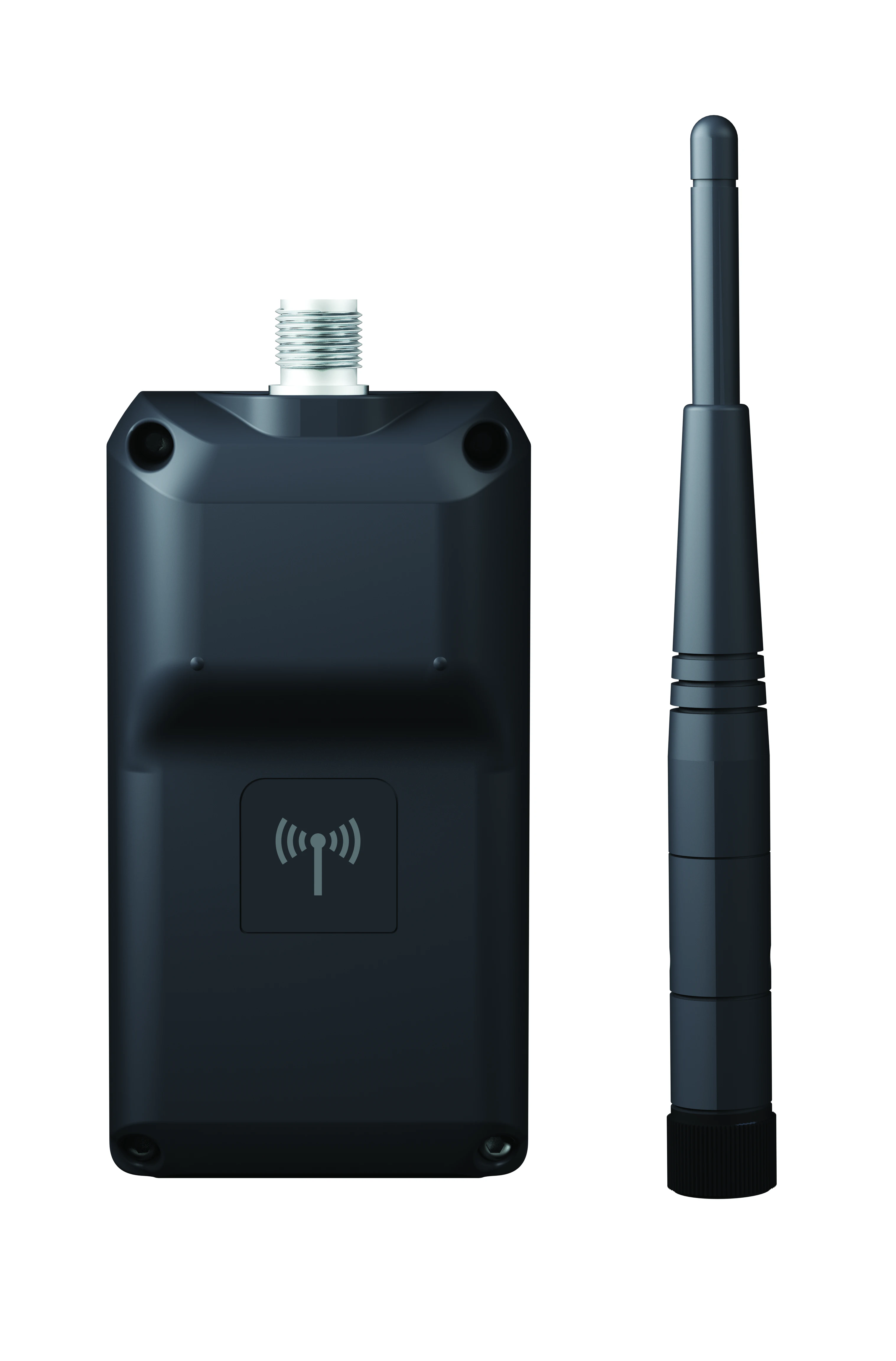
EM120 2.4 GHz Radio
Module Support Package (MSP): The Module Support Package (MSP) runs in the background providing module specific information to applications such as Empower Hub, and is responsible for authentication of the module with the Module Manager Service. The MSP is pre-installed in the Windows OS. The MSP is pre-installed in the Android OS. New versions may be included with OS updates and can also be updated through Google Play.
Application Software: The EM120 module is controlled with software such as Access, Capture, Siteworks, SCS900, FieldLink, Survey Pro, and Origin.
Reset Tool: Performs an exhaustive search of all possible baud rates in order to reliably reset the module back to factory settings. EM120 troubleshooting and reset tool instructions (pdf)
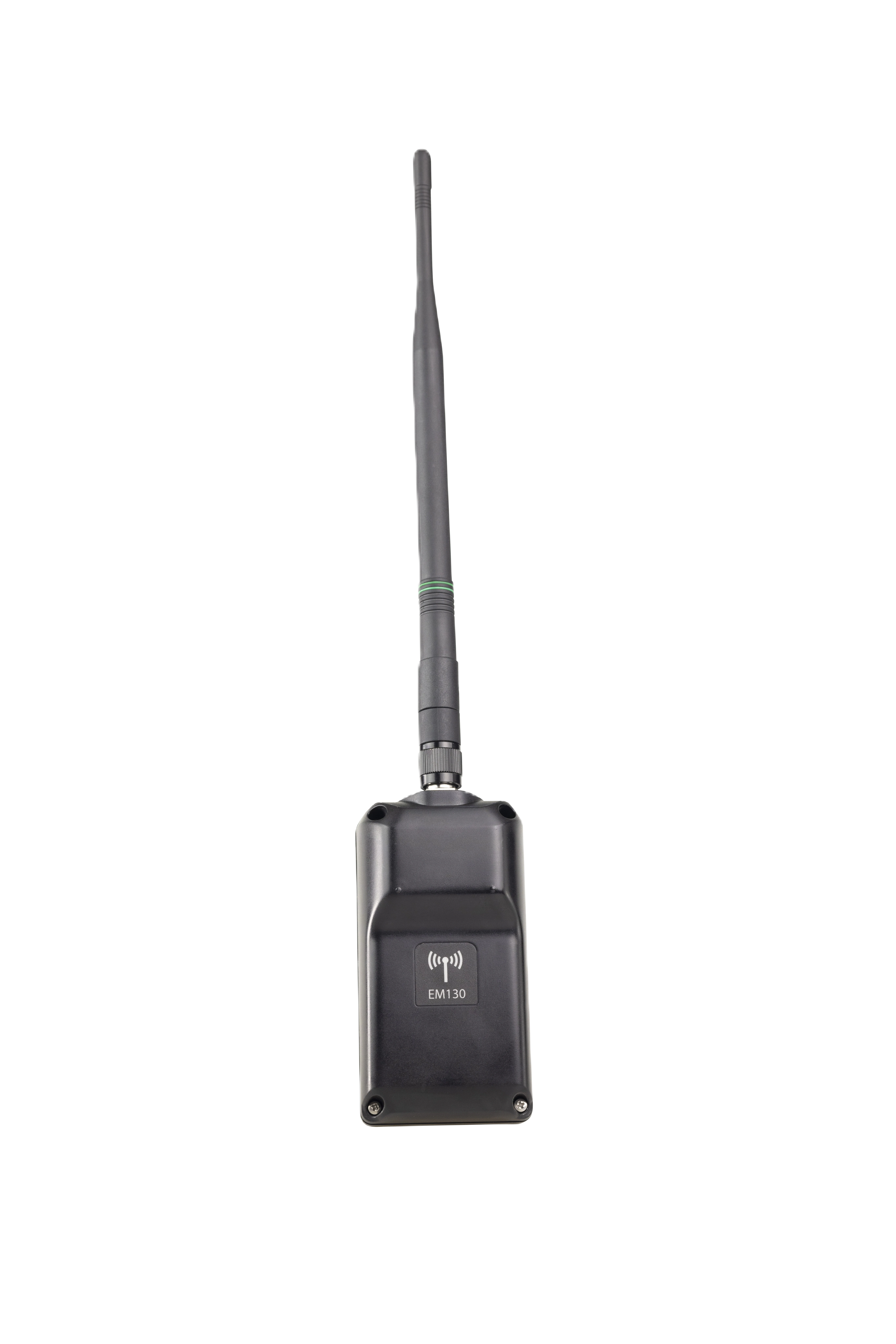
EM130 Halow Radio
Windows Module Support Package (MSP): The Module Support Package (MSP) runs in the background providing module specific information to applications such as Empower Hub, and is responsible for authentication of the module with the Module Manager Service.
Android Module Support Package (MSP): The Module Support Package (MSP) runs in the background providing module specific information to applications such as Empower Hub, and is responsible for authentication of the module with the Module Manager Service. The MSP is pre-installed in the Android OS on the TSC5S. New versions may be included with OS updates and can also be updated through Google Play.
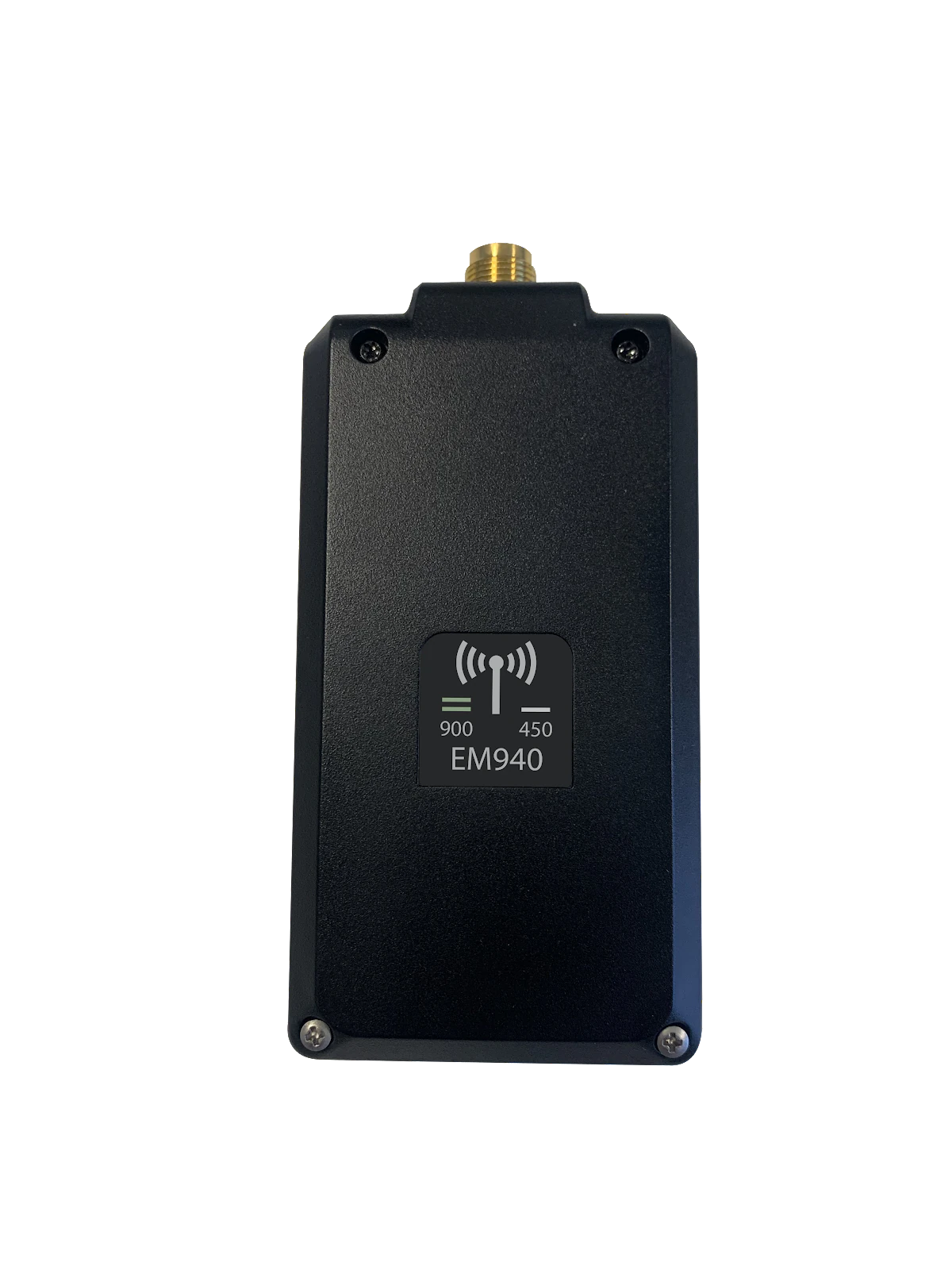
EM940 UHF & 900MHz Radio
Windows Module Support Package (MSP): The Module Support Package (MSP) runs in the background providing module specific information to applications such as Empower Hub, and is responsible for authentication of the module with the Module Manager Service.
Android Module Support Package (MSP): The Module Support Package (MSP) runs in the background providing module specific information to applications such as Empower Hub, and is responsible for authentication of the module with the Module Manager Service. The MSP is pre-installed in the Android OS on the TSC5. New versions may be included with OS updates and can also be updated through Google Play.
EM450 UHF Radio Module
Windows Module Support Package (MSP): The Module Support Package (MSP) runs in the background providing module specific information to applications such as Empower Hub, and is responsible for authentication of the module with the Module Manager Service.
Android Module Support Package (MSP): The Module Support Package (MSP) runs in the background providing module specific information to applications such as Empower Hub, and is responsible for authentication of the module with the Module Manager Service. The MSP is pre-installed in the Android OS on the TSC5. New versions may be included with OS updates and can also be updated through Google Play.
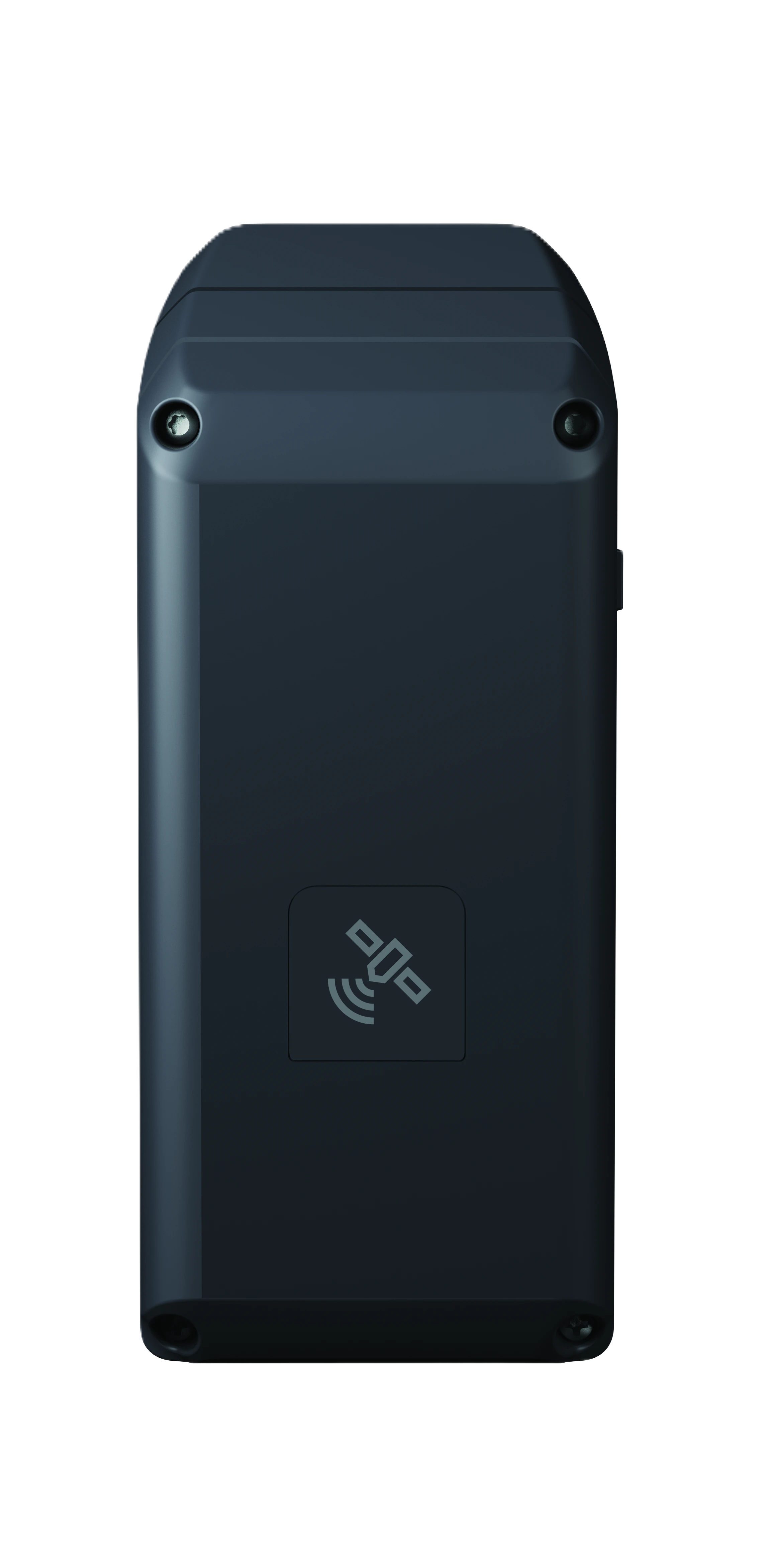
EM100 GNSS Receiver
Windows Module Support Package (MSP): The Module Support Package (MSP) runs in the background providing module specific information to applications such as Empower Hub, and is responsible for authentication of the module with the Module Manager Service. The MSP is pre-installed in the Windows OS.
Android Module Support Package (MSP): The Module Support Package (MSP) runs in the background providing module specific information to applications such as Empower Hub, and is responsible for authentication of the module with the Module Manager Service. The MSP is pre-installed in the Android OS. New versions may be included with OS updates and can also be updated through Google Play.
Application Software: The EM100 module is controlled with software such GNSS Status.
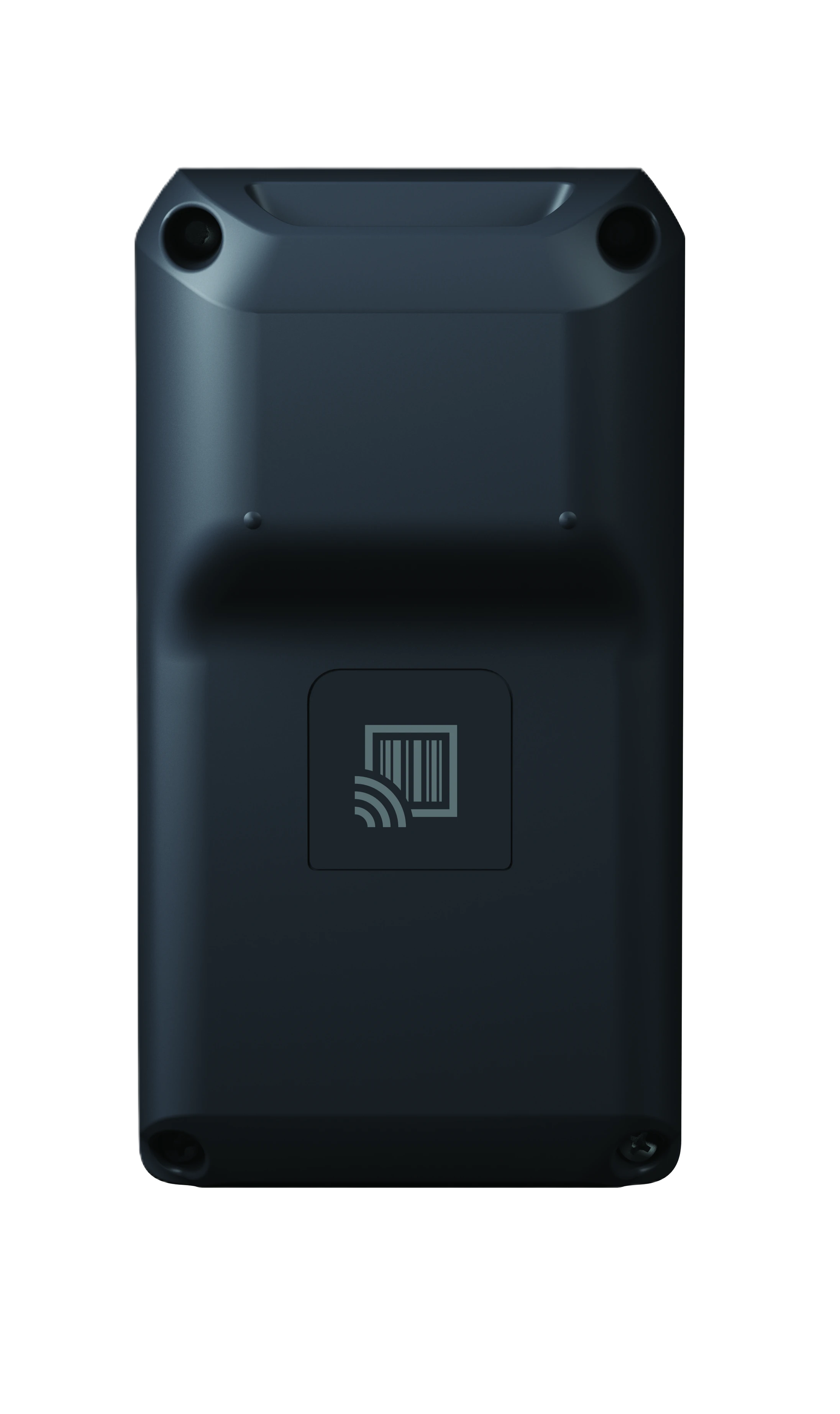
EM110 / EM111 / EM112 Barcode/RFID
Windows Module Support Package (MSP): The Module Support Package (MSP) runs in the background providing module specific information to applications such as Empower Hub, and is responsible for authentication of the module with the Module Manager Service. The MSP is pre-installed in the Windows OS.
Android Module Support Package (MSP): The Module Support Package (MSP) runs in the background providing module specific information to applications such as Empower Hub, and is responsible for authentication of the module with the Module Manager Service. The MSP is pre-installed in the Android OS. New versions may be included with OS updates and can also be updated through Google Play.
Windows Application Software: The Asset Settings + Reader demo application is built into the Windows OS and provides a method to quickly change settings, scan a barcode or RFID tag.
Android Application Software: The Asset Settings + Reader demo application is built into the Android OS and provides a method to quickly change settings, scan a barcode or RFID tag. New versions may be included with OS updates and can also be updated through Google Play.
Asset Tracking Core Service: The Asset Tracking Core Service (ID-Engine Core) is built into the Android OS. New versions may be included with OS Updates and can also be updated through Google Play.
Archive
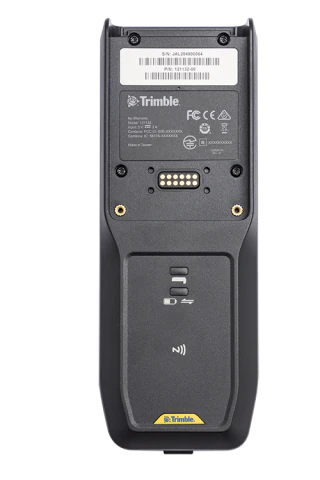
EDB10 / SEDB10 Empower Data Bridge
EDB10/SEDB10 Firmware Updater v1.0.4.164
Notes
EDB10/SEDB10 Firmware Image v2.50.111
Notes
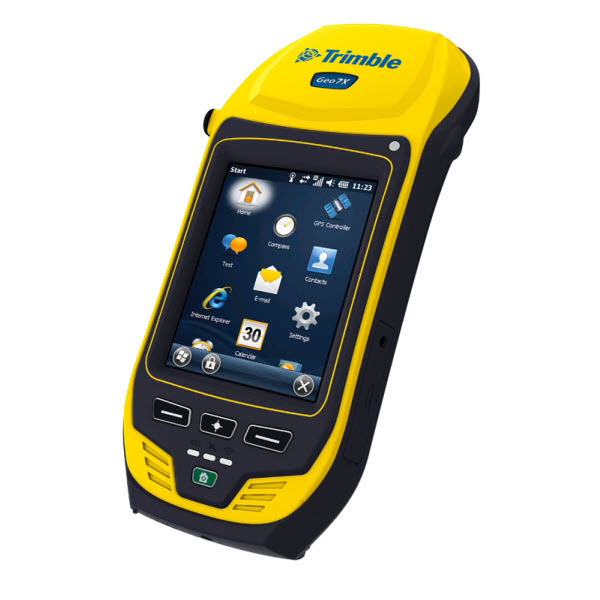
Geo 7X
OS v6.7.18 was the last Geo 7X OS released to Production.
Release notes
Notes
- There are no additional OS Updates available for this product.
TSC3 / Ranger 3
OS v3.2.2.0 was the last TSC3/Ranger 3 OS released to Production.
Release notes
Notes
- Installation Instructions (pdf)
- There are no additional OS Updates available for this product.
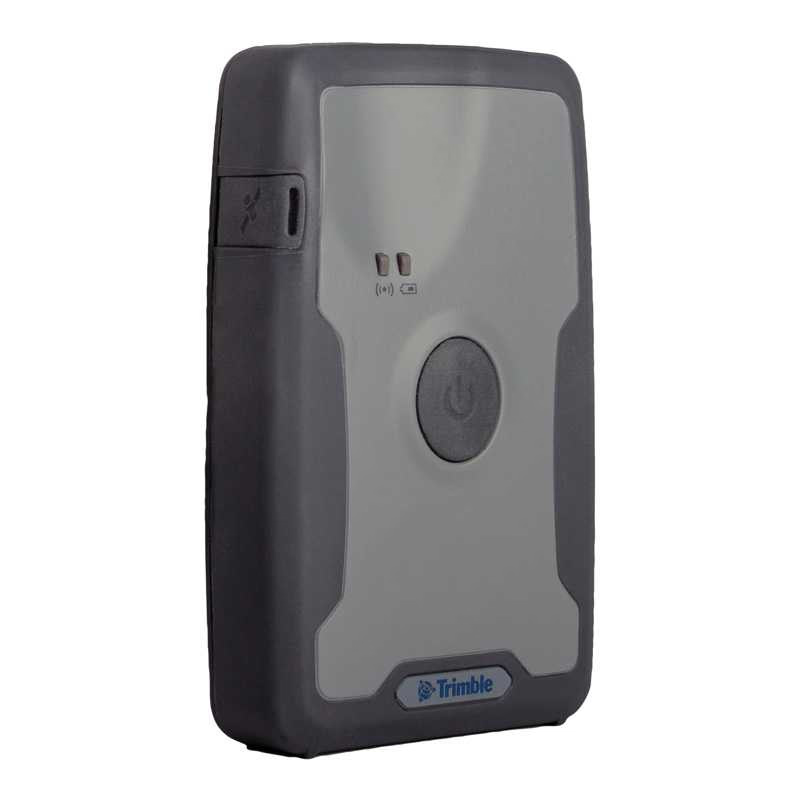
R1 / PG200
Trimble R1 99133 Series FW Upgrader v5.49
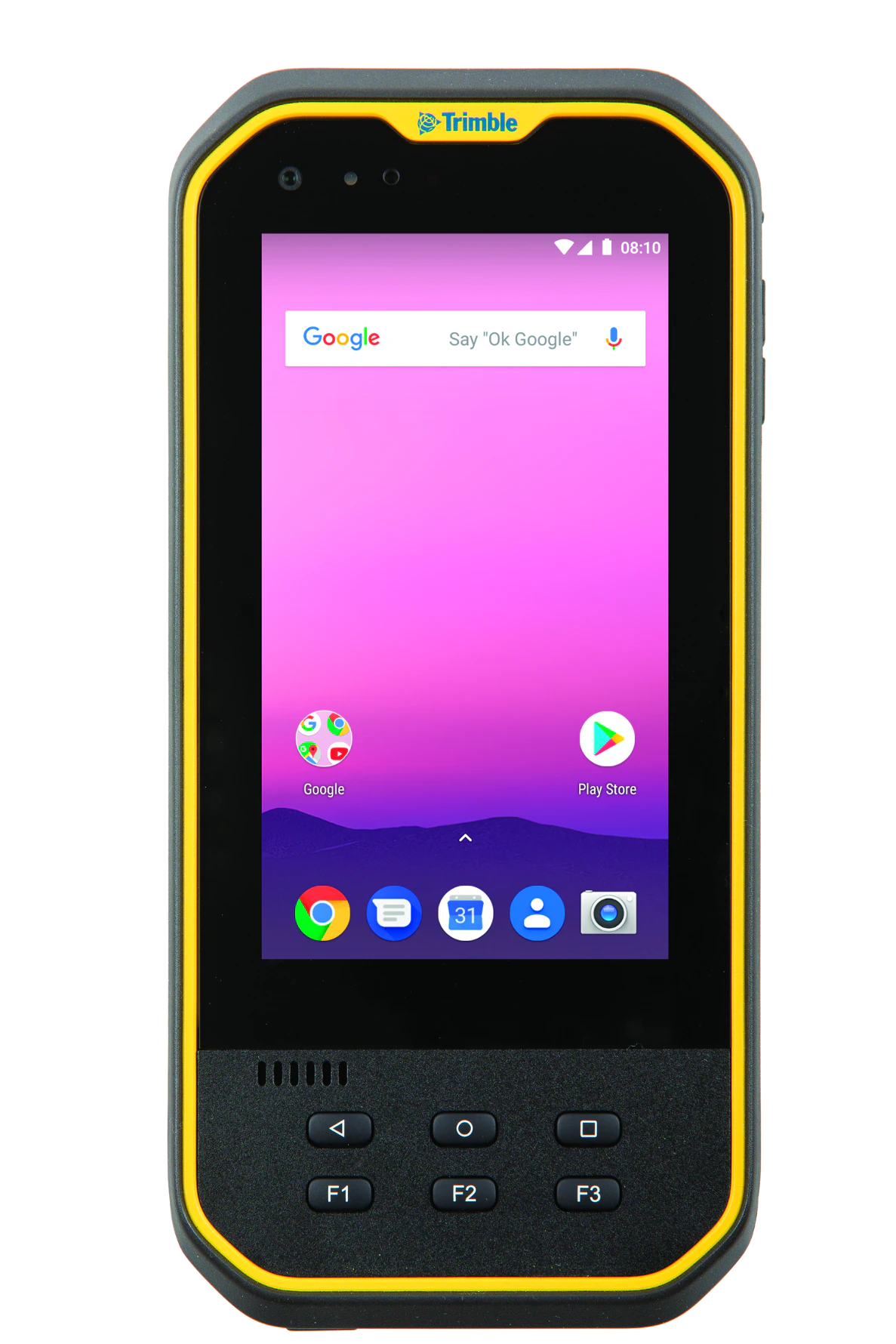
Nomad 5
OS v20200331-0239 was the last Nomad 5 Operating System released to Production 9/10/2020. Updates are downloaded automatically to the device via the internet.
Notes
- There are no additional OS Security Updates available for this product.
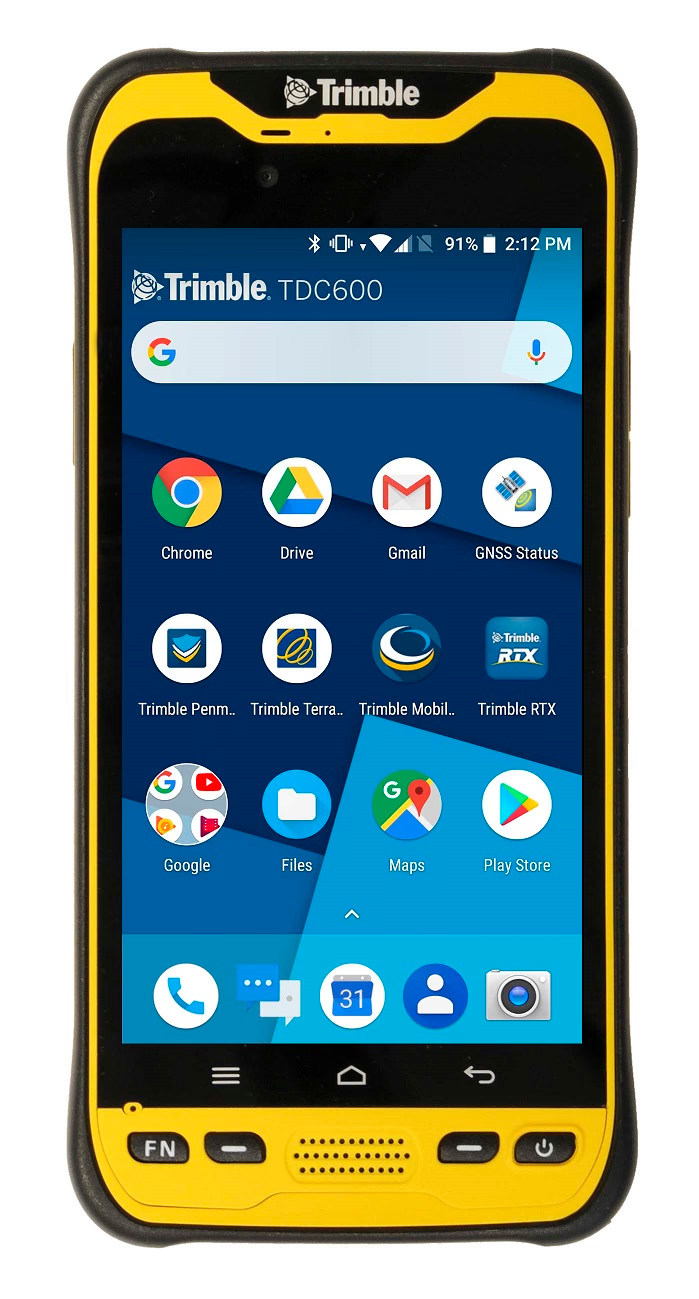
TDC600 (version 1)
The available downloads are available here.
Notes
- Installation Instructions (pdf)
- There are no additional OS Security Updates or upgrades available for this product.
- For Model information check the label under the battery - "TDC600" is shown for this product
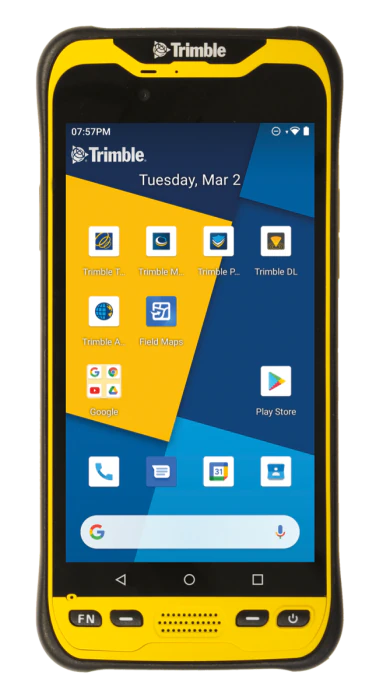
TDC600 v2 / TDC650
OS v53.10.57 is the latest TDC600 v2 / TDC650 Operating System. Updates are downloaded automatically to the device via the internet. A notification will be displayed when a new update is available to install. There is no OS download file for Android devices.
Release notes
- Security Updates
- SPL: October, 2024
- Patch Summary: October 2024 (pdf)
Notes
- Android Security Updates provided until Q4 2024
- For Model information check the label under the battery - "TDC600_2" is shown for this product
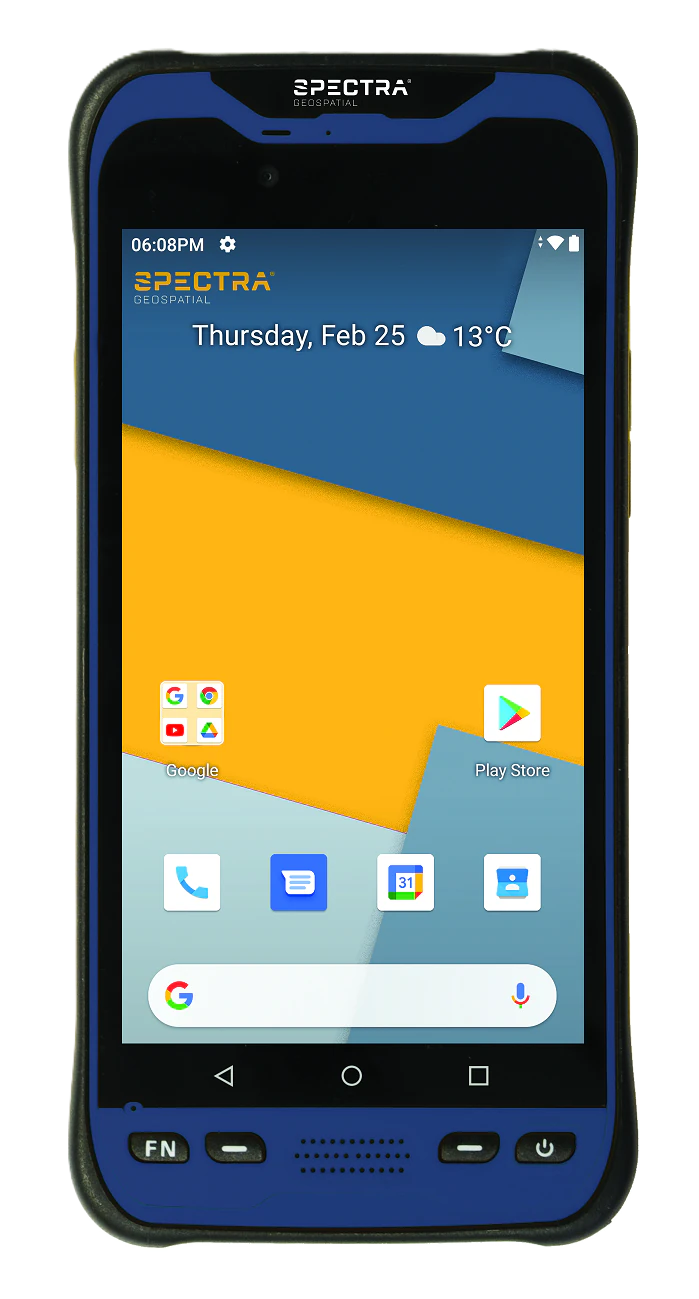
MobileMapper 60 v2
OS v2.53.10.46 is the latest MM60 v2 Operating System. Updates are downloaded automatically to the device via the internet. A notification will be displayed when a new update is available to install. There is no OS download file for Android devices.
Release notes
- Security updates
- SPL: October, 2024
- Patch Summary: October 2024 (pdf)
Notes
- Android Security Updates provided until Q4 2024
- For Model information check the label under the battery - "MM60_2" is shown for this product